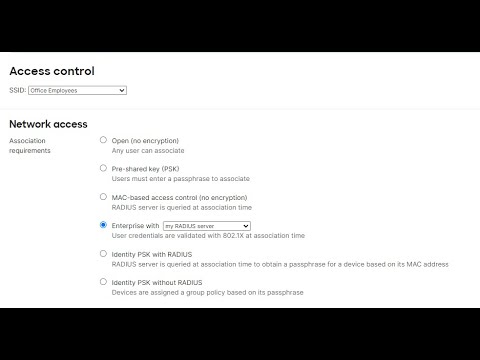
- Would you like to use a more robust association requirement for your SSIDs? - Do you want to use your user database to authenticate clients in your network? - Do you want to know how to configure RADIUS server to integrate it with Cisco Meraki devices? _______________________________________________________________________________________ Cisco Meraki Training _______________________________________________________________________________________ In this opportunity, we will configure the RADIUS server in the MX, switch and AP. We will cover the RADIUS integration with the following features: - Wireless: WPA2 - Enterprise - Wireless: Splash page - Switch: Access Policies - MX: Access Policies - MX: Splash Page ________________________________________________________________________________________ Cisco Meraki Documentation [Wireless] - Configuring RADIUS Authentication with WPA2-Enterprise - Configuring RADIUS Authentication with a Sign-on Splash Page [Switch] - MS Switch Access Policies ( ) ( ) [MX] - MX Access Policies ( ) ( ) - Configuring RADIUS Authentication with a Sign-on Splash Page If you encounter any issues configuring the RADIUS server using the dashboard, feel free to post a comment with the information and I will help you to move forward. _________________________________________________________________________________________ If you would to know more about similar topics, feel free to check the following videos: - Content Filtering - Layer 3 and 7 Firewall Rules - Client VPN - Traffic shaping rules - Wireless Settings - Cisco Umbrella Integration - Flow Preferences - Appliance Status Page - Creating VPN tunnels - DHCP configuration - Addressing and VLANs - Troubleshooting Non-Meraki VPN - Troubleshooting ClientVPN
- 36393Просмотров
- 5 лет назадОпубликованоThe IT Way
[HOW] to configure RADIUS server with the Cisco Meraki MX, MS and MR using the Meraki Dashboard
Похожее видео



Популярное
Новини